
Latest Version
Samsung Electronics Co, Ltd.
Communication
Windows
Free
9pctgdfxvzlj
Report a Problem
More About Quick Share
The Challenge of Cross-Platform File Sharing
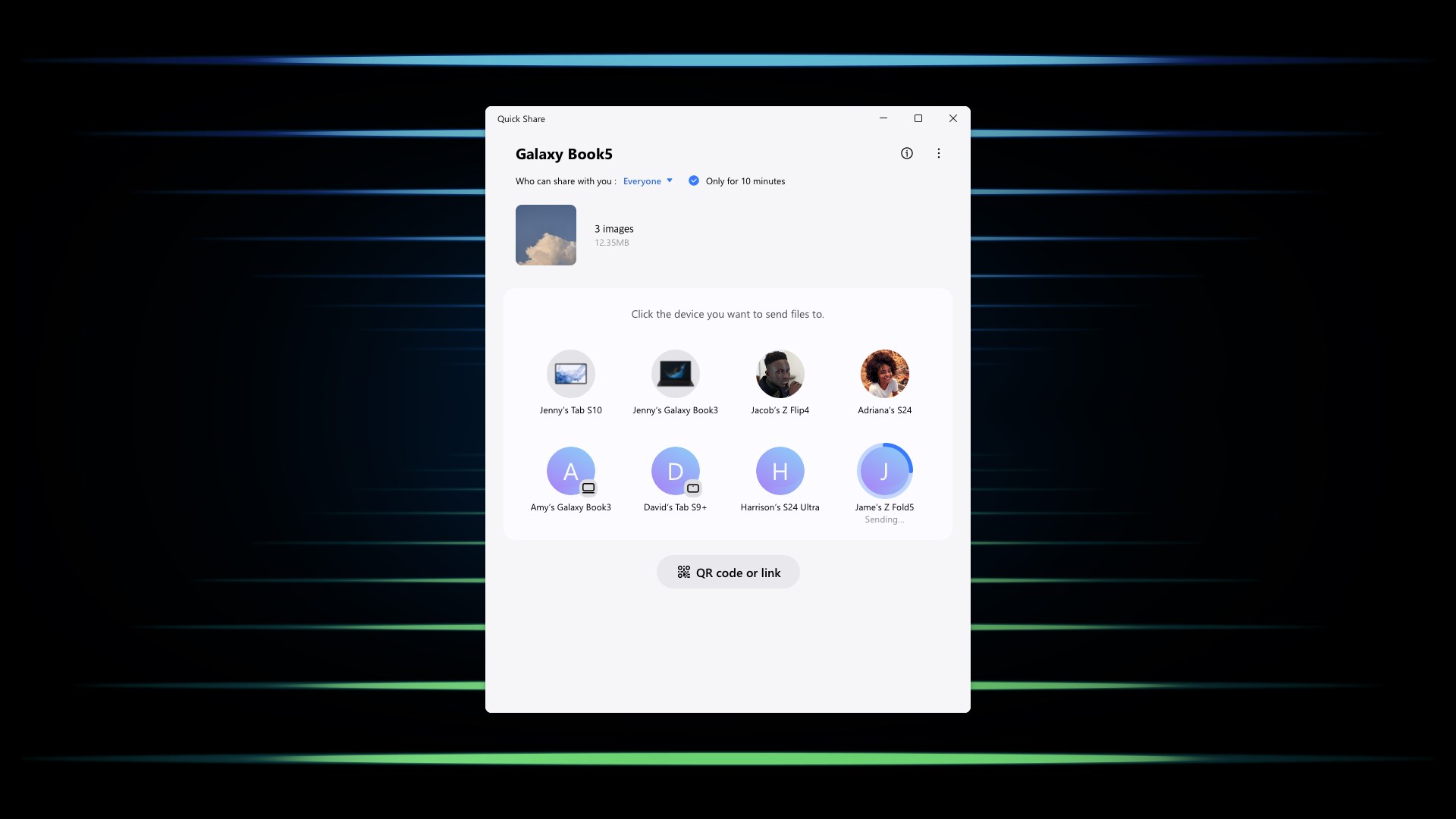
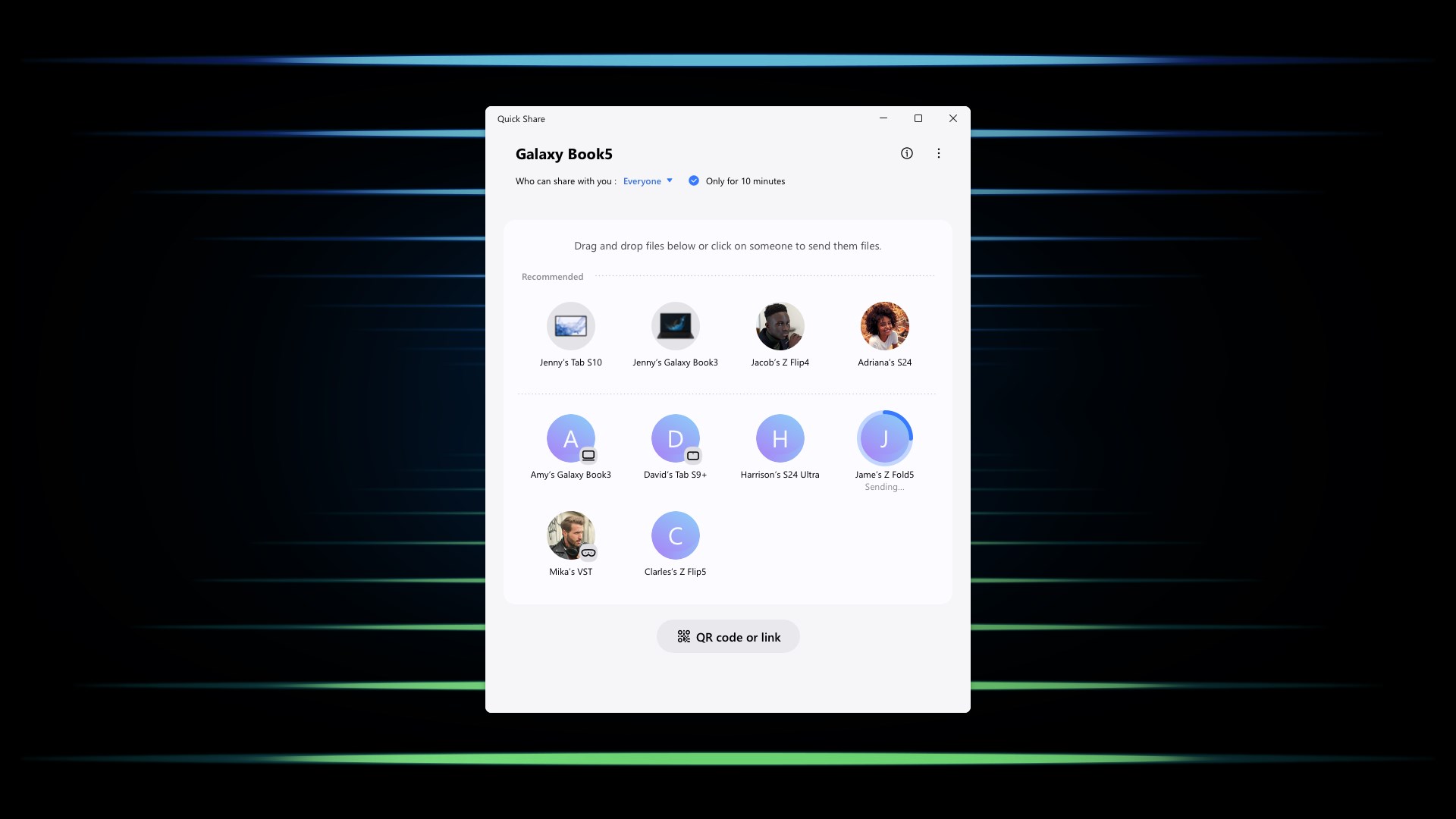
Moving high-resolution videos, multi-page documents, or a batch of vacation photos between different devices has historically been a friction-filled process. Sending files via email often triggers size limit warnings, while messaging apps frequently compress your media, ruining its quality. The Quick Share file sharing ecosystem, developed by Samsung Electronics Co, Ltd., addresses this exact headache by establishing a direct, high-speed wireless bridge between your Windows PC and mobile devices.
What is Quick Share?
Classified under the communication category, this utility allows users to send files with minimal effort. Designed to operate seamlessly on Windows 10 and higher, it enables rapid local transfers without relying on cloud storage or physical cables. Whether you are transferring files from a Samsung Galaxy device to other Galaxy products, supported Android phones, or compatible Windows computers, the process is completed in just a few taps.
Key Features of the Quick Share File Sharing Ecosystem
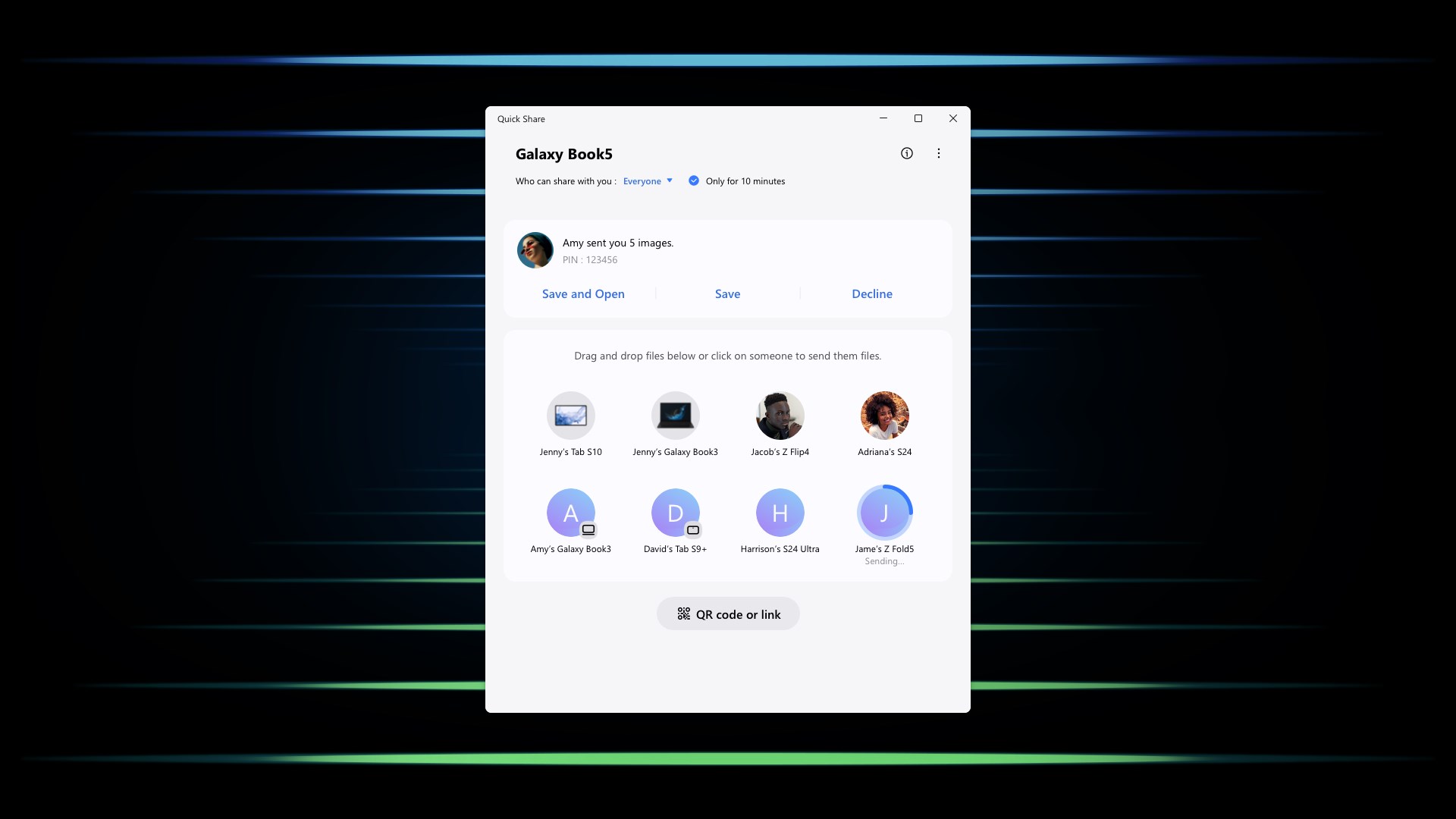
- Direct Device-to-Device Transfers: Wirelessly send photos, documents, and videos to nearby devices. The system automatically detects compatible Windows PCs, Chromebooks, and Android devices in your immediate vicinity.
- Universal QR Codes and Web Links: If the receiving device is on a different platform (such as iOS), you can generate a secure QR code or a web link. The recipient simply scans the code or opens the link to download the files. Note that link sharing supports up to 1,000 files (up to 10 GB per file and 10 GB daily), with links expiring after two days.
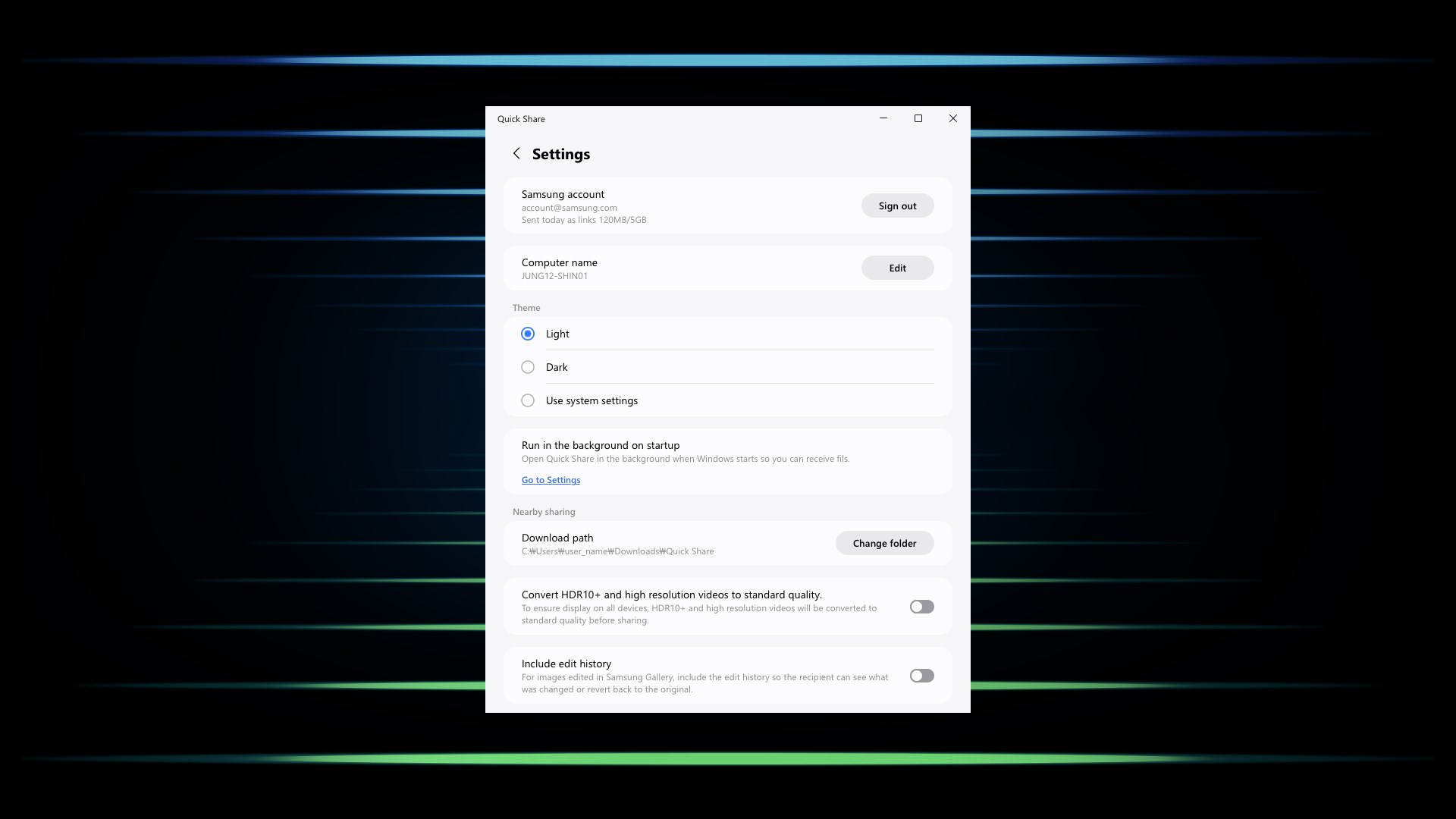
- Private Sharing for Enhanced Security: When sharing sensitive documents, you can set an expiration timer. To maintain strict data integrity, recipients of private shares are prevented from taking screenshots or re-sharing your files. Private sharing supports up to 20 files at a time, with a maximum size of 200 MB per file.
System Requirements and Compatibility
To experience optimal performance with the Quick Share file sharing utility on Windows, your PC must meet specific hardware and software standards. It requires Windows 10 2004 (build 19041) or higher. Additionally, your machine needs up-to-date drivers, specifically Intel Bluetooth driver version 22.50.02 or higher, and Intel Wi-Fi driver version 22.50.07 or higher. The application is natively optimized for Samsung Galaxy Book devices, including Qualcomm-based models released from 2020 onward.
Is This Wireless Transfer Tool Right for You?
If you regularly work across a Samsung Galaxy phone and a Windows laptop, this tool is an essential addition to your workflow. It bridges the gap between mobile and desktop environments beautifully, eliminating the need for third-party cloud workarounds. To integrate this seamless wireless transfer system into your daily routine, you can find the application listed on the official Microsoft Store for Windows.
Rate the App
User Reviews






Popular Apps










Editor's Choice