


Latest Version
Apps and Fun
Communication
Windows
Free
9wzdncrcs1h5
Report a Problem
More About Coollage
The Easiest Way to Combine Your Windows Photos
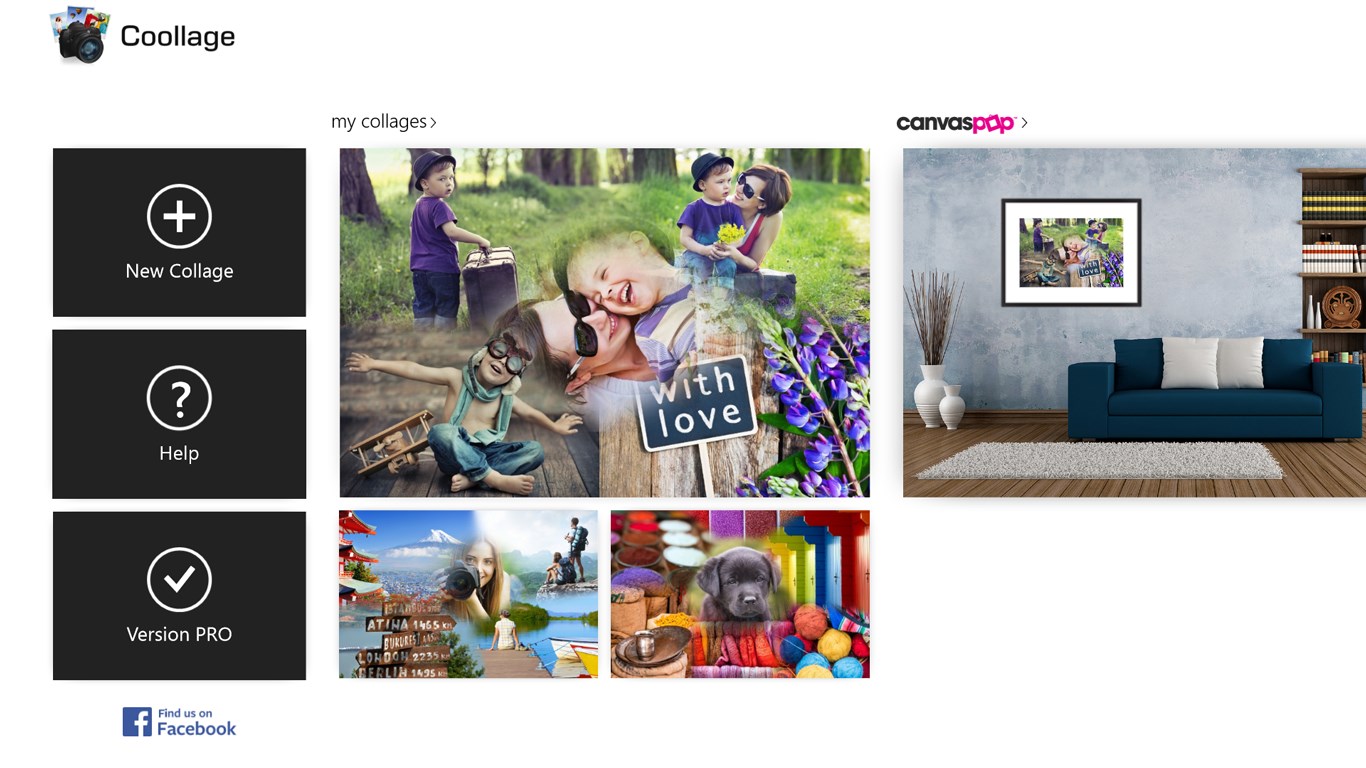
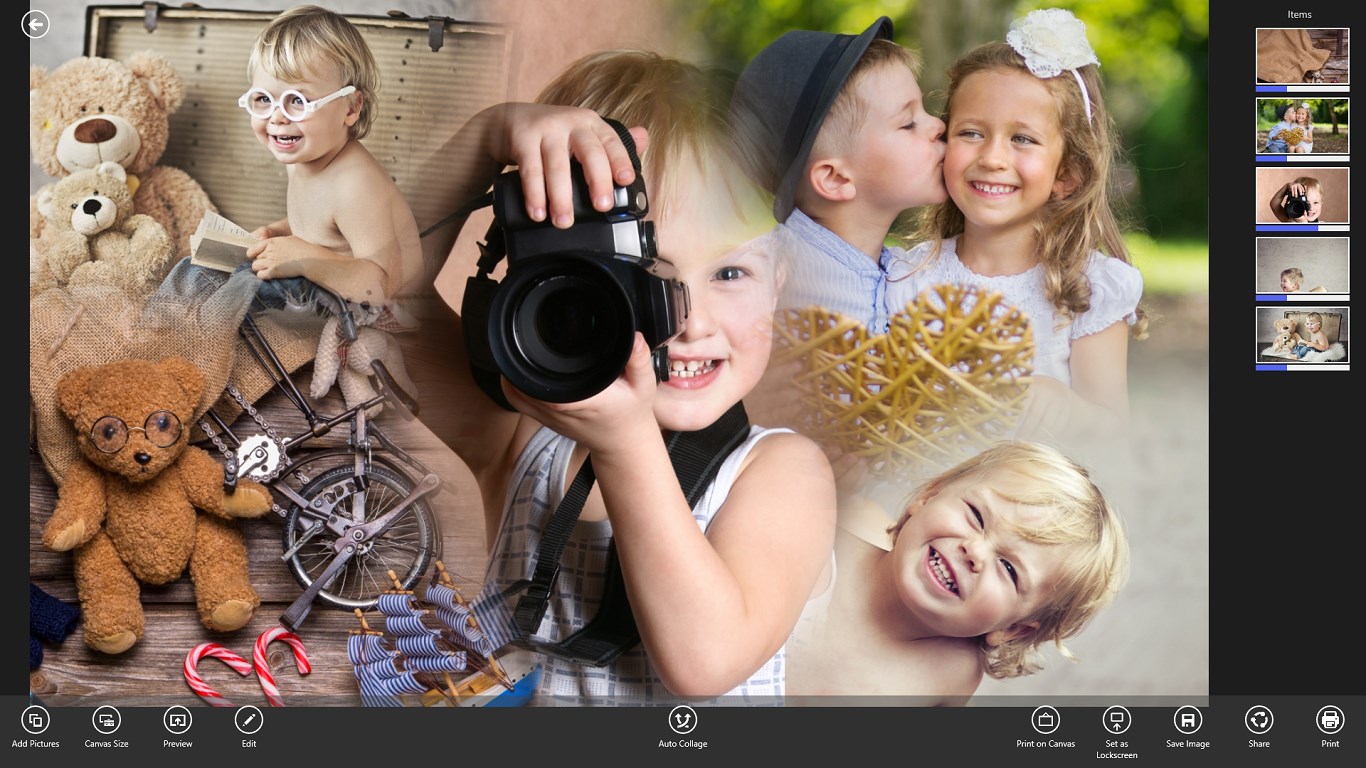
If you have ever spent hours trying to manually align photos for a digital scrapbook, you know how tedious the process can be. The Coollage photo collage creator solves this problem instantly by taking your selected images and automatically generating an intelligent, balanced layout. Developed by Apps and Fun, this Windows-based application is designed for users who want to create beautiful visual stories without the steep learning curve of professional graphic design software.
How the Coollage Photo Collage Creator Works
The core appeal of the Coollage photo collage creator lies in its seamless automation paired with intuitive manual control. Here is how simple the creation process is:
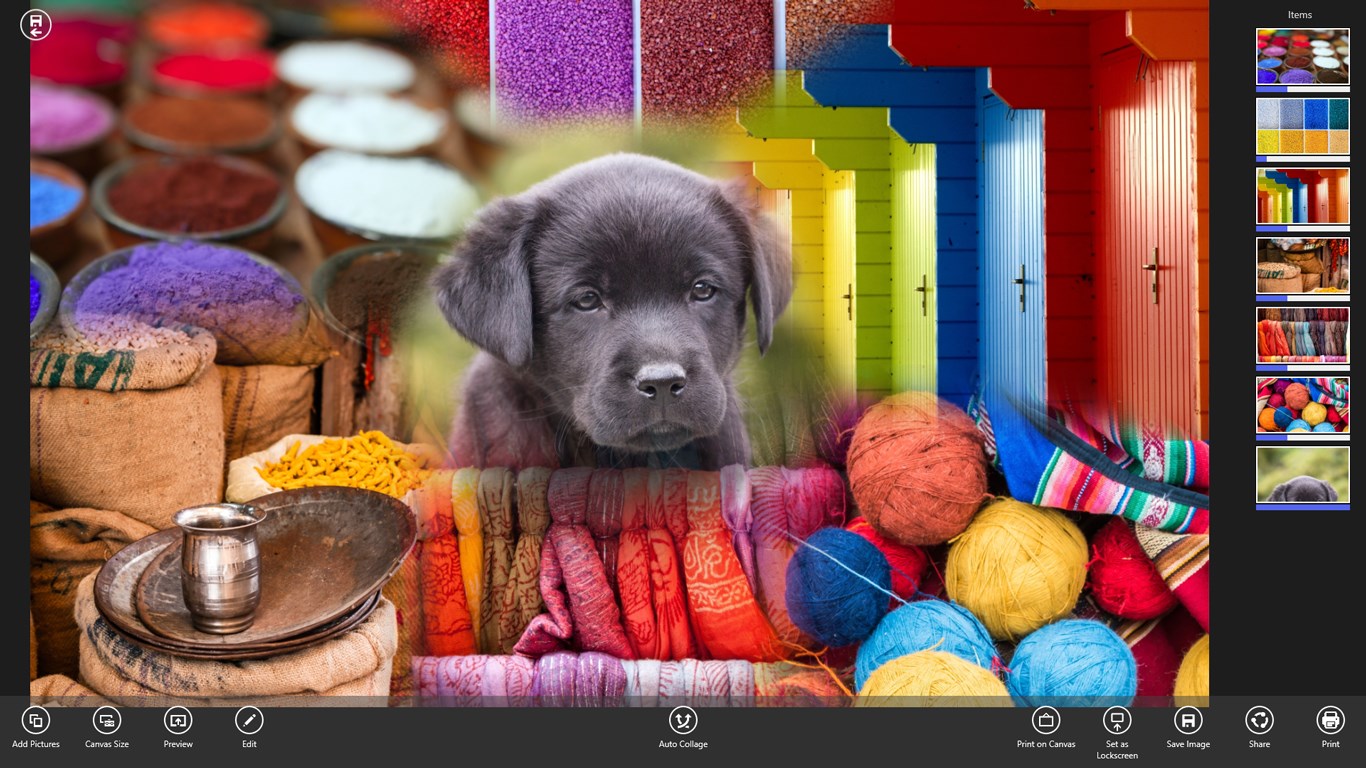
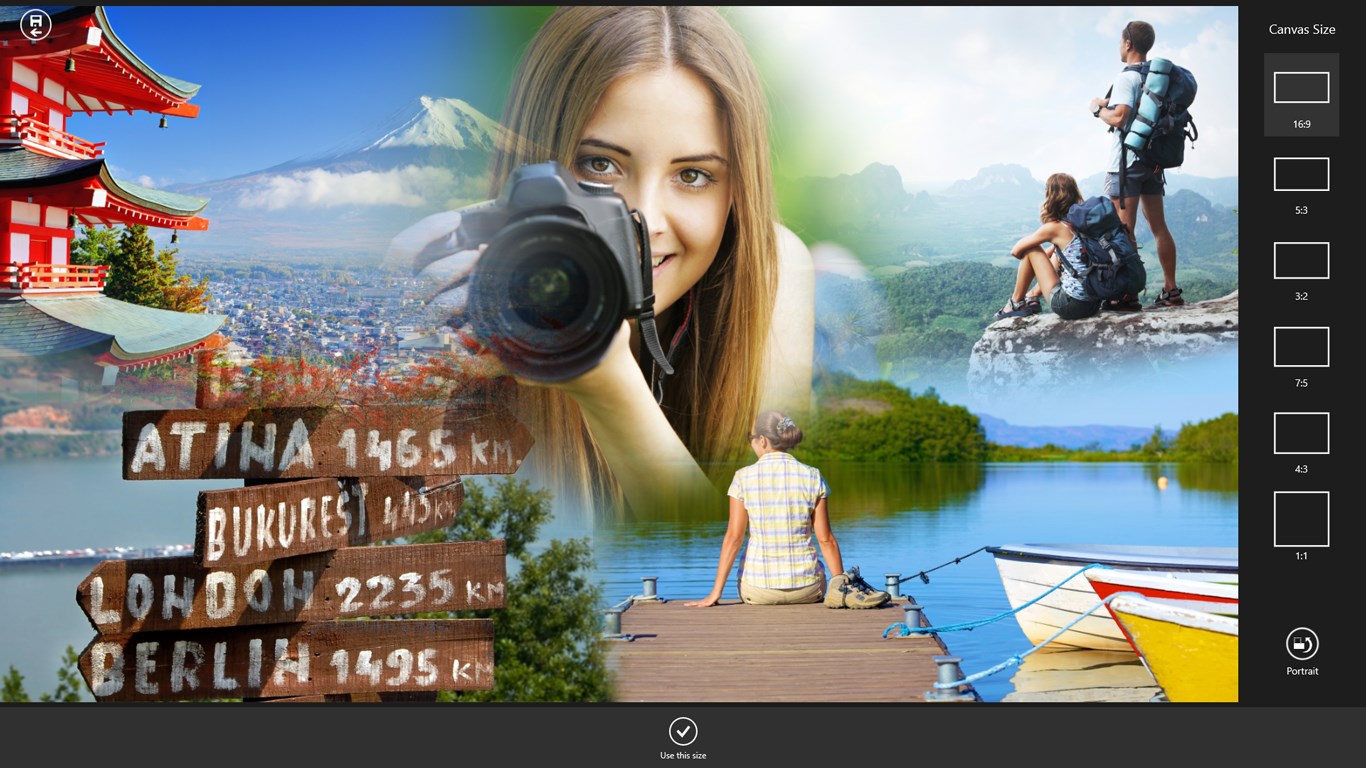
- Smart Generation: Simply select the images you want to use, and the app's algorithm instantly arranges them into an optimized grid layout.
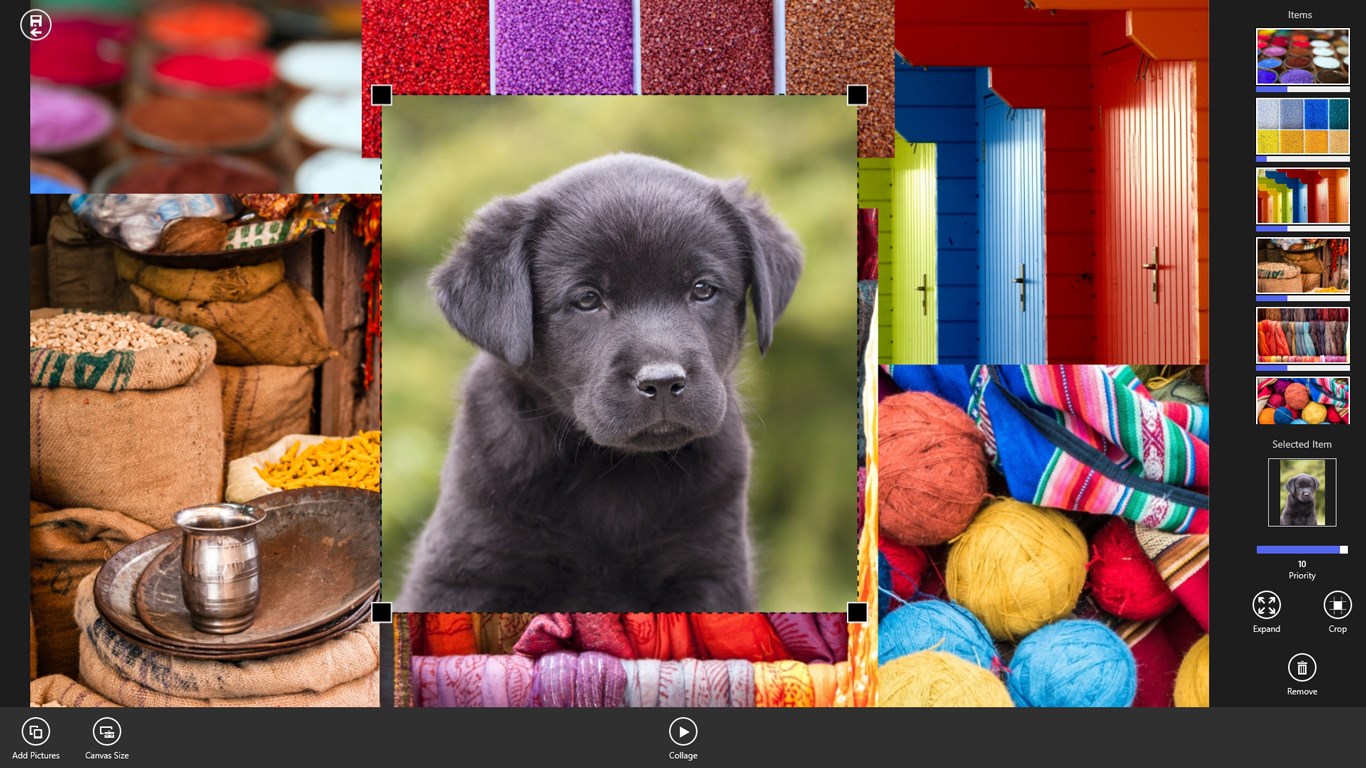
- Intuitive Adjustments: If you want to customize the design, you can easily reposition or resize individual photos using standard drag-and-pinch gestures, a mouse wheel, or a traditional pointer.
- Flexible Sharing: Once your creation is complete, you can save the file locally, print it out, or share it directly with family and friends.
Who Is This Layout Tool For?
Classified under the communication and creative category, the Coollage photo collage creator is ideal for casual photographers, families, and social media enthusiasts who want to showcase memories from vacations, birthdays, or everyday moments. Because it runs smoothly on Windows, it provides a stable and responsive desktop experience for organizing digital photo albums quickly.
Pricing and Feature Upgrades
You can explore the basic features of the app for free. The free version includes advertisements and applies a small, self-promoting watermark to your finished designs. For users looking to elevate their projects, an affordable in-app purchase option is available to remove all ads, eliminate the watermark, and unlock additional layout features.
Final Verdict
For Windows users seeking a hassle-free way to compile memories, the Coollage photo collage creator offers an excellent balance of automated intelligence and manual customization. To try it out for yourself and start arranging your favorite pictures, visit the official Microsoft Store page to download the application.
Rate the App
User Reviews






Popular Apps










Editor's Choice