

Latest Version
Any Case Solutions, OOO
Tools
Mac
Free
1522432233
Report a Problem
More About CleanMaster: Remove Junk Files
Reclaim Your Mac's Storage Space Instantly
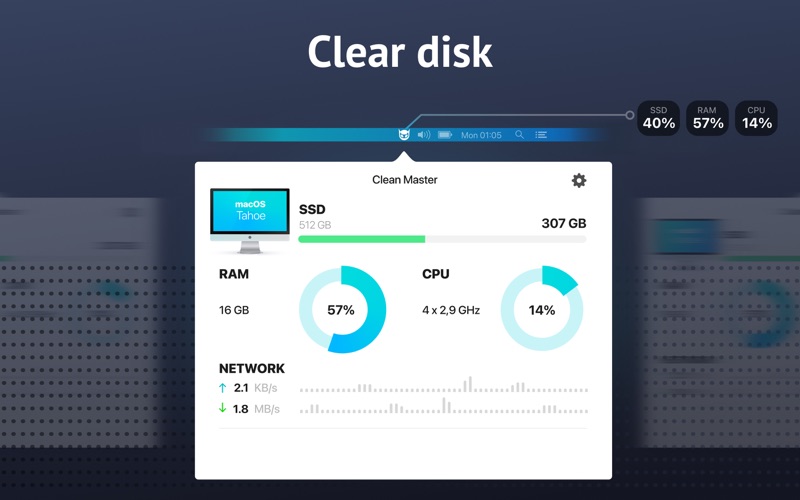
If you are constantly battling the dreaded "disk almost full" warning, CleanMaster: Remove Junk Files offers an elegant, one-click solution to reclaim your digital space. Developed by Any Case Solutions, OOO, this utility is specifically engineered for the Mac platform to help users visualize their storage distribution and safely eliminate hidden clutter that slows down performance.
Visualizing Storage with Disk Layout
One of the standout features of this tool is its intuitive Disk Layout interface. Instead of searching through endless nested folders, the app provides a clear, visual breakdown of your disk usage. This makes it incredibly simple to identify exactly which large files and forgotten folders are hogging your valuable storage space, allowing you to make informed decisions about what to delete.
Comprehensive Cleaning Modules
To keep your system running optimally, CleanMaster: Remove Junk Files targets several key areas of system clutter:
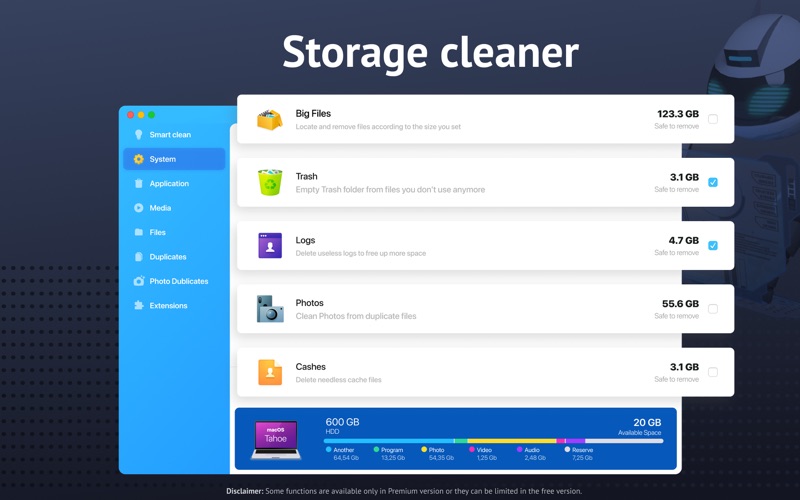
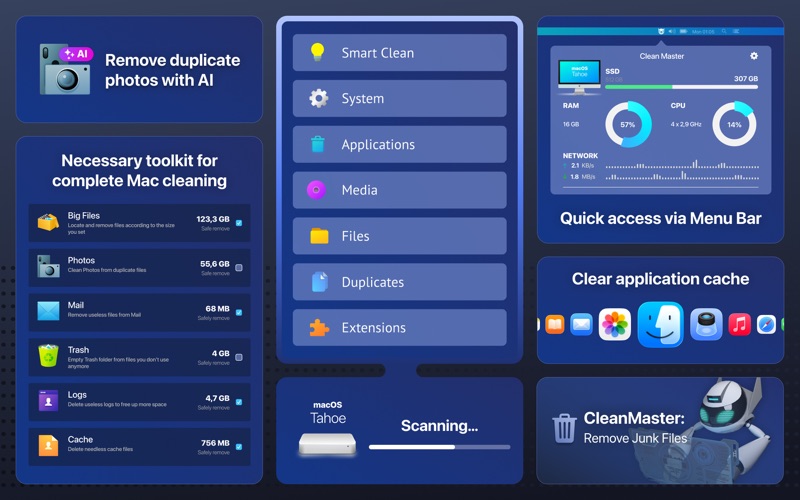
- Smart Cleaner: Safely targets and deletes system cache, application logs, mail attachments, and trash contents without risking your personal data.
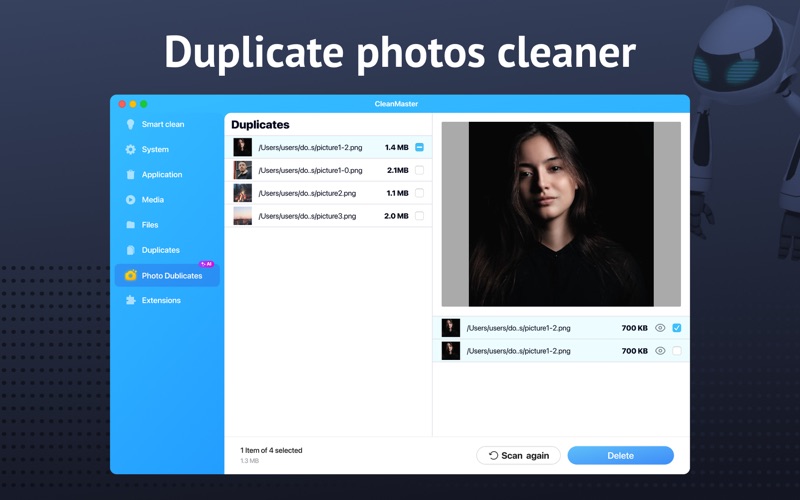
- AI Photo Cleaning: Automatically detects duplicate or highly similar photos in your library, letting you preview and remove redundant images with a single tap.
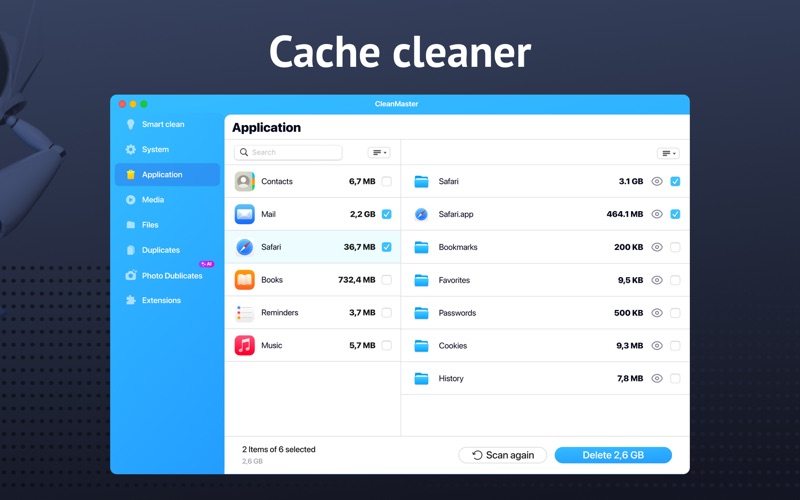
- App Manager: Allows you to sort installed applications by size and name, making it easy to uninstall unused software and manage browser extensions.
- Files Scanner: Categorizes your data into media, archives, and downloads to help you track down forgotten duplicates.
Who Is This Storage Utility For?
This application is ideal for Mac users who need a straightforward, visual way to manage their system storage without diving into complex terminal commands. Whether you are running out of space on a creative workstation or simply want to keep your daily machine organized, its compatibility with modern Apple silicon ensures smooth performance across all compatible Mac devices.
Is CleanMaster: Remove Junk Files Right for You?
The free version of the application provides essential file scanning and basic cleanup options to help you evaluate your storage health. To unlock advanced features—such as deep duplicate file finding, complete app removal, extension cleanup, and AI-powered photo organization—a premium subscription is available. To explore this utility and give your Mac a performance boost, check out CleanMaster: Remove Junk Files on the official Mac App Store.
Rate the App
User Reviews










Popular Apps










Editor's Choice